
Secure Shopping
Secure Shopping
Shop MotionPedal with a clear and careful approach to checkout. Review your order, confirm your delivery information and use the payment options presented during checkout before completing your purchase.
Take a final look at your products, quantities, address and order total before submitting the order.

A careful checkout starts with the basics.
Secure shopping is not only about payment. It also means checking the website you are using, reviewing your order information and protecting sensitive details while completing a purchase.
Confirm what you are ordering.
Review product names, selected options, quantities and the final order total before continuing through checkout.
Use the checkout presented by the store.
Enter payment information only through the checkout process and carefully review the payment method displayed before confirming.
Keep your order confirmation.
Retain your order confirmation and related information in case you need help with shipping, product details or customer support.
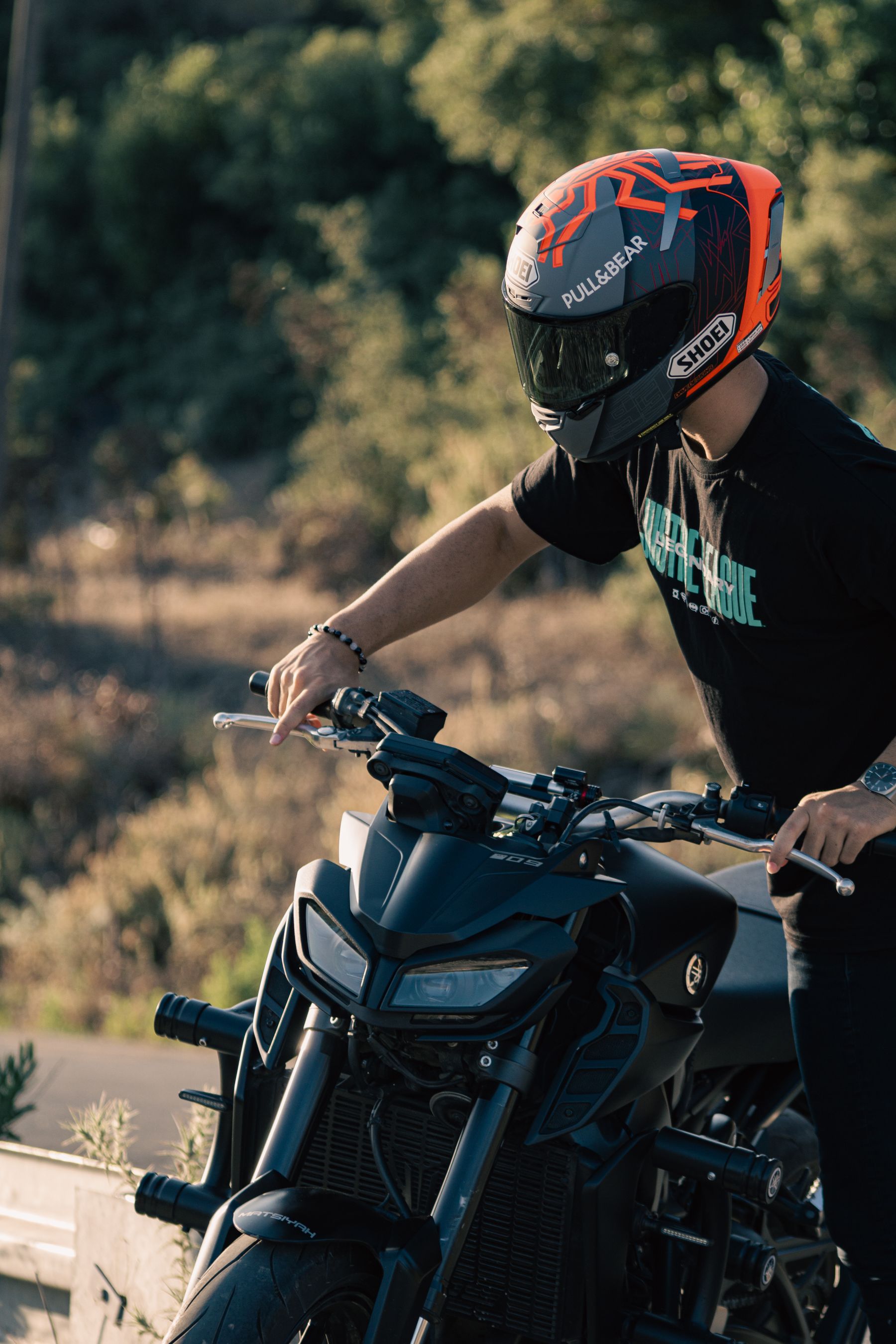
Take a final look before placing the order.
A few simple checks can help reduce order mistakes and make it easier to recognize whether the checkout information matches the purchase you intend to make.
- Confirm the correct riding gear, product options and quantities.
- Check the recipient name and complete delivery address.
- Review the final order total shown before payment.
- Make sure your billing information is entered accurately.
- Keep the order confirmation after checkout is completed.
Four habits for a safer shopping experience.
These practical habits can help you protect personal information and reduce confusion while ordering motorcycle riding gear, storage equipment or commuting accessories online.
Use the correct website
Confirm that you are shopping on the MotionPedal store before entering order or payment information. Be cautious with unfamiliar links or pages that imitate a store.
Protect sensitive information
Enter payment details only when they are required during checkout. Avoid sending full payment credentials through ordinary messages, social media or email.
Review before submitting
Read the order summary carefully and confirm the delivery address, product quantities and total amount before placing the order.
Keep your records
Save your order confirmation and other relevant information until your riding equipment has arrived and any order questions have been resolved.
Be cautious with unexpected payment requests.
If a message asks you to provide sensitive payment credentials outside the normal checkout process, do not rush. Verify the request before sharing information or taking action.

What to remember when shopping online.
A secure shopping experience also depends on how you manage account, contact and payment information before, during and after checkout.
Use payment details only where they are needed.
Payment information should be entered through the checkout process when requested for your transaction.
- Check the order total before submitting payment.
- Review billing information for accuracy.
- Avoid sharing full payment credentials through ordinary messages.
Keep access information private.
If you use account features, choose access credentials carefully and avoid sharing them with other people or untrusted services.
- Use a password that is difficult for others to guess.
- Avoid reusing sensitive credentials where possible.
- Sign out of shared or public devices after use.
Check unexpected messages carefully.
Be cautious with messages that create pressure, ask for unusual payment actions or request sensitive information unexpectedly.
- Avoid opening suspicious attachments or links.
- Compare order details with your own confirmation.
- Contact support when a request appears unusual.
Ask MotionPedal when something is unclear.
If you have questions about checkout, an order or a payment-related message, contact our support team using the store contact page.
- Keep your order confirmation available.
- Explain the issue clearly when contacting support.
- Do not include unnecessary sensitive payment information.
Unsure about an order or payment request?
Contact MotionPedal before proceeding if something about your shopping experience appears unusual. Our support page is the best place to start with an order-related question.
MotionPedal · Secure Shopping · Protect sensitive information and review your order carefully before checkout.